
Explore this page
The right system might be an outdoor electronic message center, an indoor menu board, a lobby display, a directory, or a coordinated group of screens managed from one content source. With around 30 years of sign-industry experience, Royal Signs & Awnings helps businesses define the audience, viewing conditions, content workflow, structure, power, installation, and maintenance needs before selecting a display. Call (346) 644-6749 or send the address, photographs, intended messages, viewing distance, operating hours, and property requirements through the contact form.
Begin with the communication problem
A digital display should solve a specific need. A restaurant may need to update menu items and pricing. A shopping center may want an outdoor message area for events or leasing announcements. A medical property may need a lobby directory, while a corporate office may use screens for visitor information. Start by listing the decisions the display must support, the people who will see it, and how often content changes. Buying a screen before defining the job can produce the wrong brightness, dimensions, resolution, controls, or mounting for the actual setting.
Separate digital signs from fixed LED signs
The phrase digital sign often overlaps with LED signage, but the pages should not target the same intent. A fixed LED sign presents a business name or logo with illuminated letters or faces. A digital sign changes text, images, menus, schedules, or announcements through an electronic display. A project can contain both: permanent identification can remain visible while a message center carries time-sensitive content. Keep the company name readable even if the screen is off. Customers looking for fixed illuminated letters should be guided to the Commercial LED Signs page rather than receiving a second version of the same service explanation here.
Choose between outdoor and indoor systems
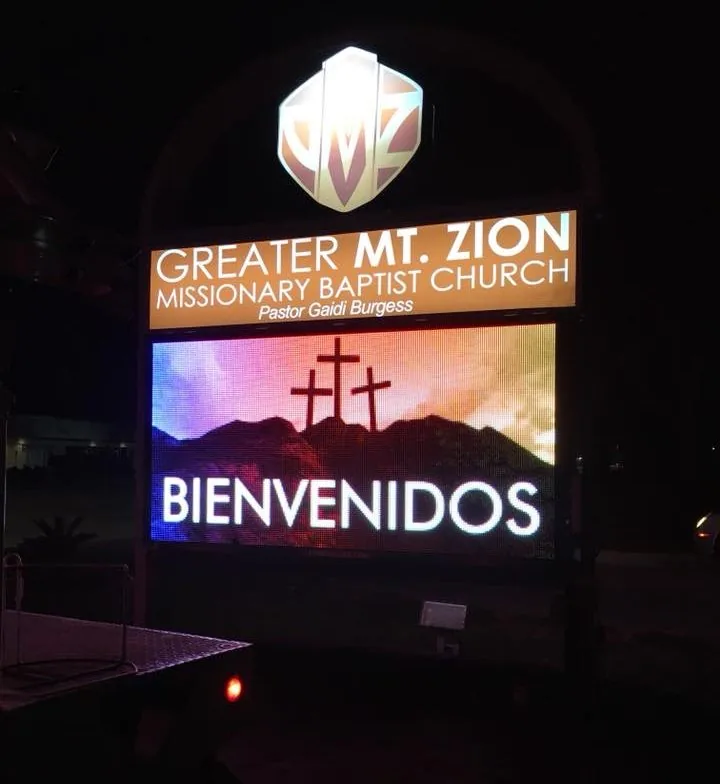
Outdoor digital displays must remain readable in changing daylight, weather, traffic, and surrounding illumination. They also require a suitable enclosure, structure, power, access, and content pace for people in motion. Indoor displays operate in controlled light but may need closer viewing, finer detail, sound restrictions, touch capability, or integration with the interior. A screen inside a queue can show more information than a roadside message center. Treat outdoor and indoor digital signage as different applications even when both use electronic content. Confirm the environment before comparing display products or screen specifications.
Plan content before choosing resolution
Resolution matters only in relation to viewing distance and content. Large text and simple graphics viewed from a roadway do not require the same pixel density as a menu board read from several feet away. Start with real message examples and the normal distance. Establish character size, number of lines, image detail, and how long each message remains visible. A sales demonstration viewed from across a conference table can make a display appear sharper than it will from the installed position. Content testing should happen at representative scale so the technical selection follows the communication need.
Keep roadway messages brief and controlled
Drivers have limited time to notice and understand a message. Use one idea at a time, large type, strong contrast, and enough display duration for the approach. Avoid dense service lists, several contact methods, rapid transitions, and layouts created for a desktop monitor. Permanent site identification should not depend on the changing display. Establish templates that protect type size and limit the number of elements. Property standards and applicable rules may control location, brightness, animation, dwell time, or message changes, so those requirements should be identified before the content plan is finalized.
Create an indoor content hierarchy
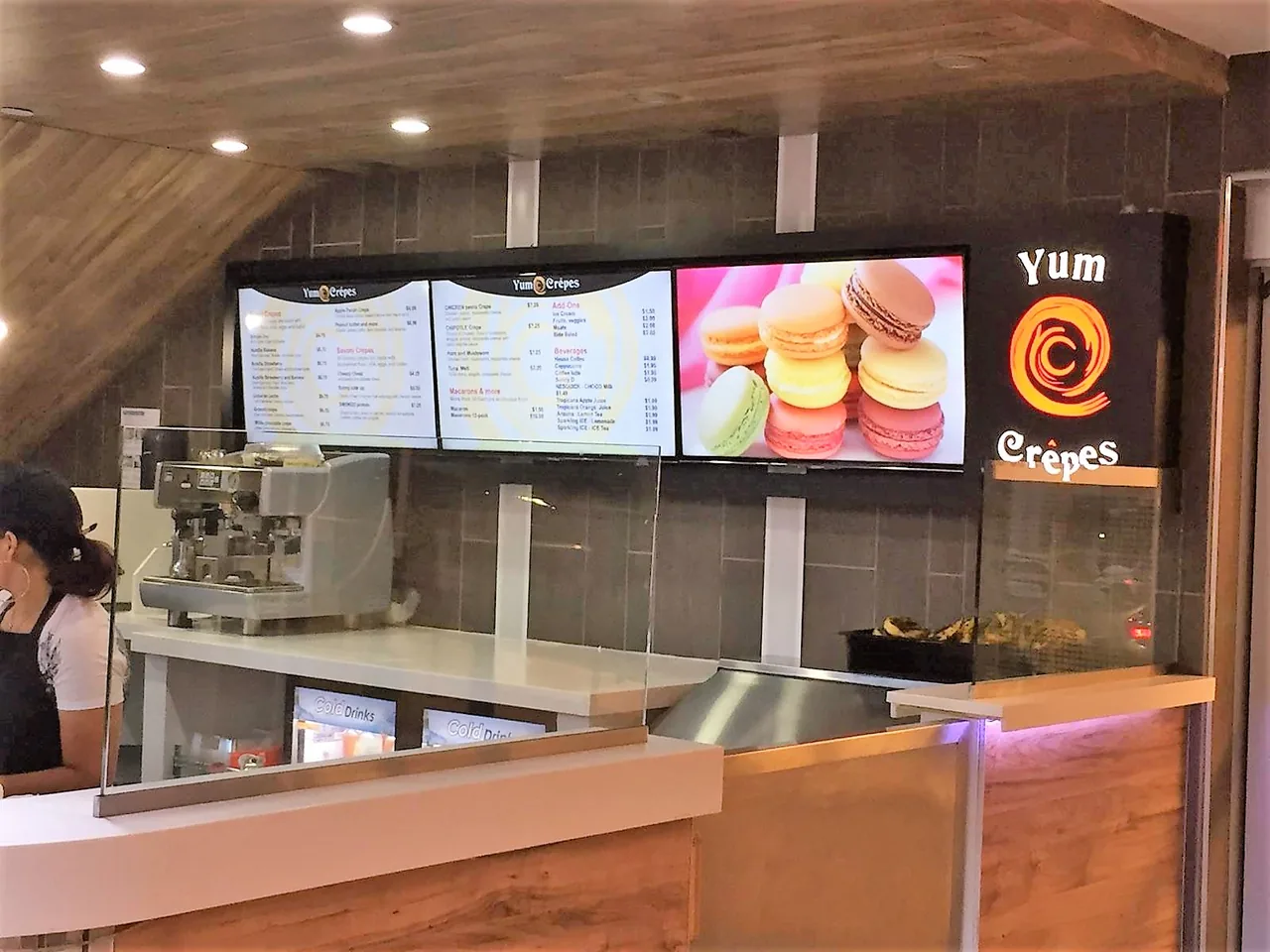
Indoor digital signage can support menus, directories, welcome messages, queue information, internal communications, promotions, or event schedules. The viewer may be standing close, but the content still needs order. Put the most useful information where it can be found quickly and avoid turning every screen into a rotating advertisement. A lobby directory should help visitors locate a destination before promoting unrelated services. Menu boards should preserve category and price readability when photographs change. Decide which content is permanent, which changes on a schedule, and which requires a manager’s approval.
Assign ownership of the content workflow
A digital sign becomes stale when no one owns it. Identify who writes messages, gathers images, approves changes, schedules content, removes expired information, and responds when a screen is blank or incorrect. Limit login access and document the account owner. Create templates for routine messages and a process for urgent updates. If several locations share content, define which items are controlled centrally and which may be changed locally. The content calendar, approval path, and access policy are part of the sign system, not administrative details to address after installation.
Confirm software and connectivity requirements
Digital displays may use local media players, network connections, cloud-based content management, direct inputs, or other control arrangements. The project brief should identify how content reaches each screen, who provides network access, whether remote management is allowed, and what happens during an internet outage. Discuss user permissions, password control, software subscriptions, supported file types, scheduling, and backup content. Do not assume the sign contractor controls the customer’s network or that an IT department will allow any device. Coordination with the responsible technology team should occur before equipment is ordered.
Plan power, mounting, and ventilation
Every display needs a confirmed power source, switching or control method, mounting system, cable route, and service path. Outdoor enclosures may need weather protection, drainage, ventilation, and an approach suited to the structure. Indoor screens may be recessed, wall mounted, suspended, placed in a kiosk, or integrated with millwork. The wall or support must suit the load and attachment. Coordinate electrical and low-voltage responsibilities, interior finishes, access panels, and ventilation before fabrication. A clean rendering does not show all the space required behind the display for hardware and service.
Integrate digital displays with permanent signage
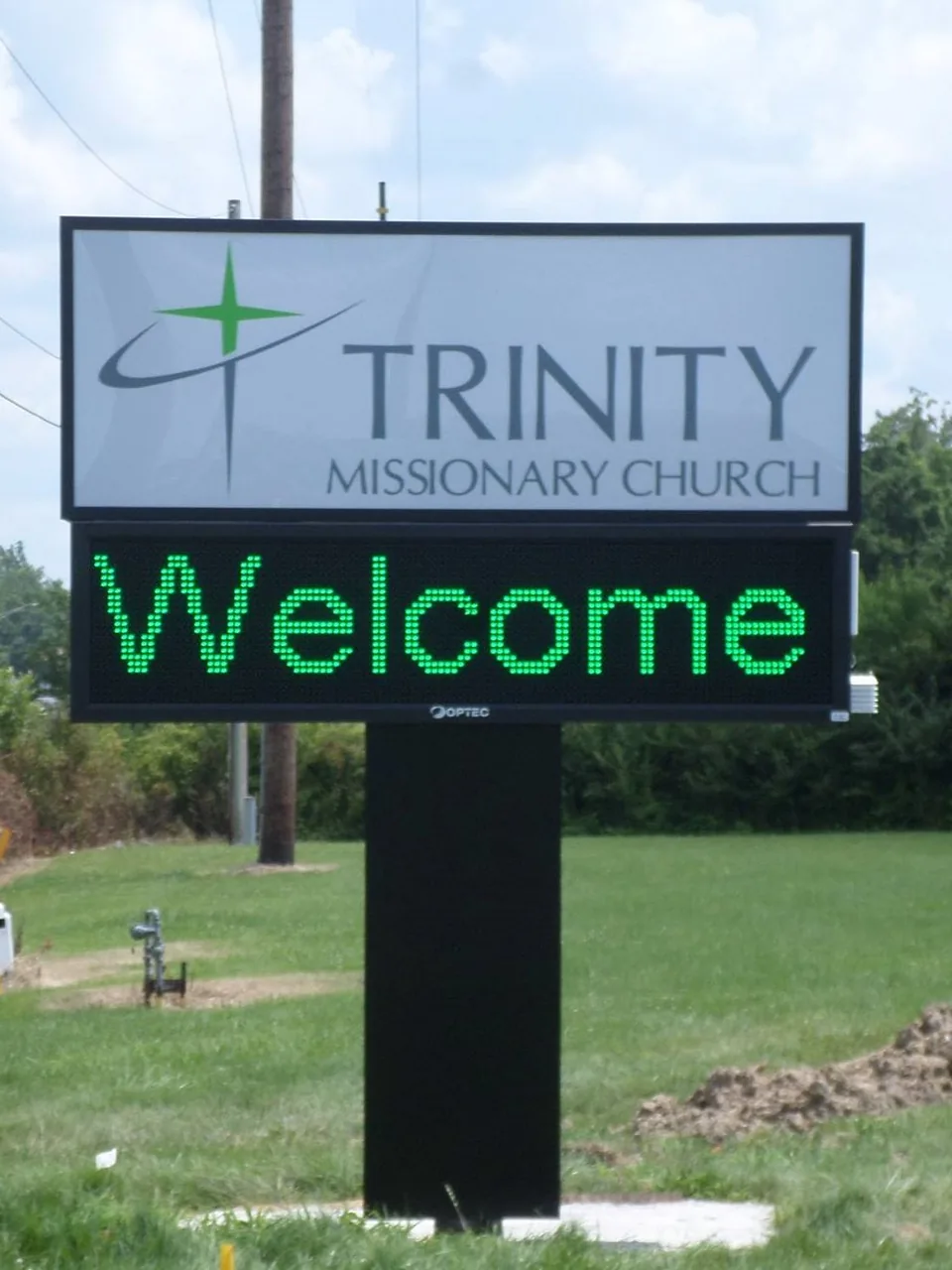
Changing content works best when the site still has dependable identification and wayfinding. A digital monument can include a fixed property name above the screen. An indoor menu board should sit within a branded counter area without replacing required room or directional signs. A lobby display can support events while dimensional letters confirm the company name. Coordinate colors, materials, proportions, and terminology, but do not force every sign to look like a screen. The permanent system should continue to guide visitors during maintenance, network interruption, or a content error.
Review permitting and property criteria
Outdoor electronic message centers can be subject to specific location, zoning, brightness, operating, spacing, or permit requirements. The City of Houston publishes current fee and permit information, and nearby cities may use different rules. Landlords and developments may impose additional limits. Confirm the exact address, jurisdiction, zoning or property criteria, and responsible parties before promising a display type or operating pattern. The proposal should identify the included permit, engineering, electrical, foundation, and inspection scope when applicable. Indoor projects may also require building coordination for power, mounting, egress, or accessibility.
Plan installation without disrupting operations
Digital sign installation can involve parking areas, entrances, walls, ceilings, counters, network closets, lifts, roof access, customer queues, or active service zones. Establish the work area, delivery route, operating hours, customer protection, equipment staging, and who provides access. Coordinate the display, enclosure, structure, power, data, media player, and final testing so one missing dependency does not delay the launch. The team should know whether content is prepared before installation and who will verify it. Training should use the actual management method and leave the authorized staff with documented access.
Prepare content and acceptance testing
Before launch, assemble approved logos, photographs, menu data, tenant names, prices, schedules, and message templates in the correct format. Test spelling, dates, prices, transitions, screen order, orientation, brightness, and scheduled start and stop times. View outdoor messages from the normal approach and indoor content from typical waiting positions. Confirm that the display returns to the intended content after restart or connection loss. Record the accepted settings, software access, device details, and any training provided. A display should not be considered complete simply because it powers on.
Maintain the display and its information
Maintenance includes the screen, enclosure, structure, power, controls, ventilation, network path, software access, and content. Keep vents and service areas unobstructed and report dark sections, flicker, color changes, moisture, overheating, intermittent operation, or repeated reboots. Maintain a log of symptoms, dates, photographs, software changes, and work performed. Review user accounts when employees change roles. Content also needs maintenance: remove expired promotions, update tenant names, confirm pricing, and replace old contact information. A technically working display can still damage confidence if the message is outdated.
Prepare a digital signage consultation
Provide the address, indoor or outdoor location, photographs, normal viewing distance, operating hours, examples of planned messages, update frequency, number of displays, responsible content staff, known power and network information, property criteria, and target schedule. For an existing display, include the manufacturer or system information when available and photographs of the problem. Explain whether the priority is roadside communication, menus, directories, promotions, internal communication, or a multi-location content system. This gives Royal Signs & Awnings a useful basis for discussing a commercial digital sign project in Houston.
Budget for operation as well as installation
The purchase price is only one part of a digital signage decision. Ask about display hardware, enclosures, structures, mounting, electrical work, media players, content-management subscriptions, network requirements, content preparation, training, warranties, future parts, and service access. Outdoor work may also involve foundations, engineering, permits, inspections, or traffic and property coordination. Build a realistic operating plan for staff time, software, content updates, energy, cleaning, and repairs. Comparing the complete ownership responsibilities helps the business choose a system it can manage rather than one that becomes difficult to update after the launch.
Related services
Explore: LED Signs | Lighted Signs | Monument Signs | Pylon Signs | Indoor Signs | Sign Repairs
Let’s talk about your sign.
Share your location, artwork and project goals with our Houston team.
Request a ConsultationPROJECT QUESTIONS
Frequently asked questions
What is a commercial digital sign?
A commercial digital sign is an electronic display used to present changeable text, images, menus, schedules, directories, or announcements. It may be installed indoors or outdoors.
How is a digital sign different from a fixed LED sign?
A digital sign changes programmed content. A fixed LED sign normally illuminates the same business name or logo. A project can combine permanent identification with a separate message display.
Who updates the content after installation?
The business should assign authorized staff and a clear approval process. The final workflow depends on the selected content-management method, user permissions, network arrangement, and service scope.
Can an outdoor digital sign be added to a monument or pylon?
It may be possible when the structure, property criteria, location, power, controls, service access, and applicable requirements support the proposed display.
What warranty applies to a digital sign?
Royal Signs & Awnings offers a 10-year warranty. Digital systems include several hardware and software elements, so request the written coverage, manufacturer terms, exclusions, and service responsibilities for the quoted system.